命令面板
导航 · 组件 · 已复制 0 次
React
输入即过滤、↑↓ 移动、回车确认、Esc 关闭。焦点始终留在输入框,选中项用 aria-activedescendant 指出去——一旦把焦点移到列表项上,读屏用户每按一次方向键都会听到整个列表被重读。分组标题不参与键盘循环,跳过的逻辑放在拍平后的一维数组里做,不在渲染时判断。
调参预览
⌘K
灵感
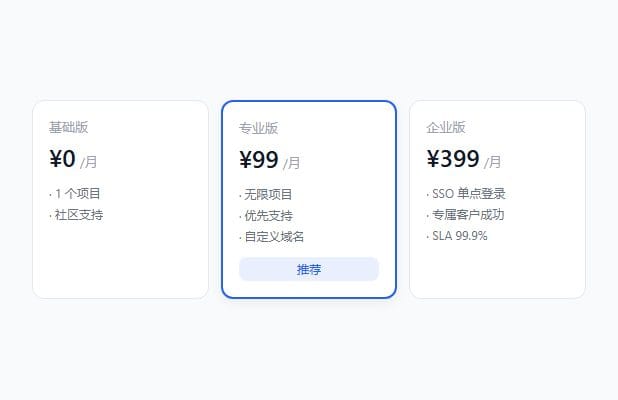
- 三档定价的锚定排版Nike
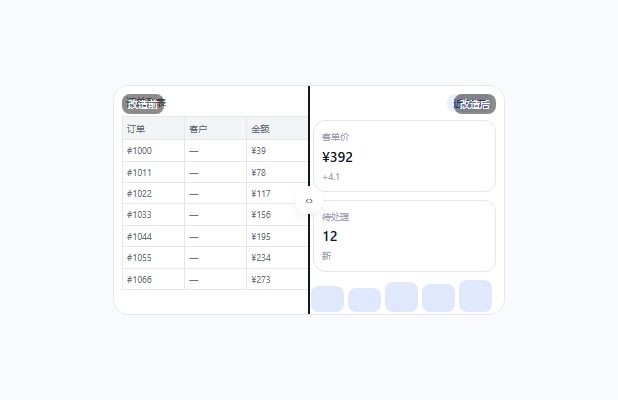
- 把空状态画成一封信Linear
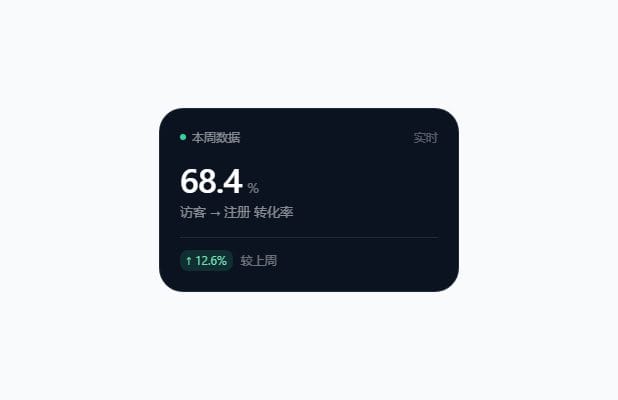
- 暗色仪表盘的分层Supabase
组件
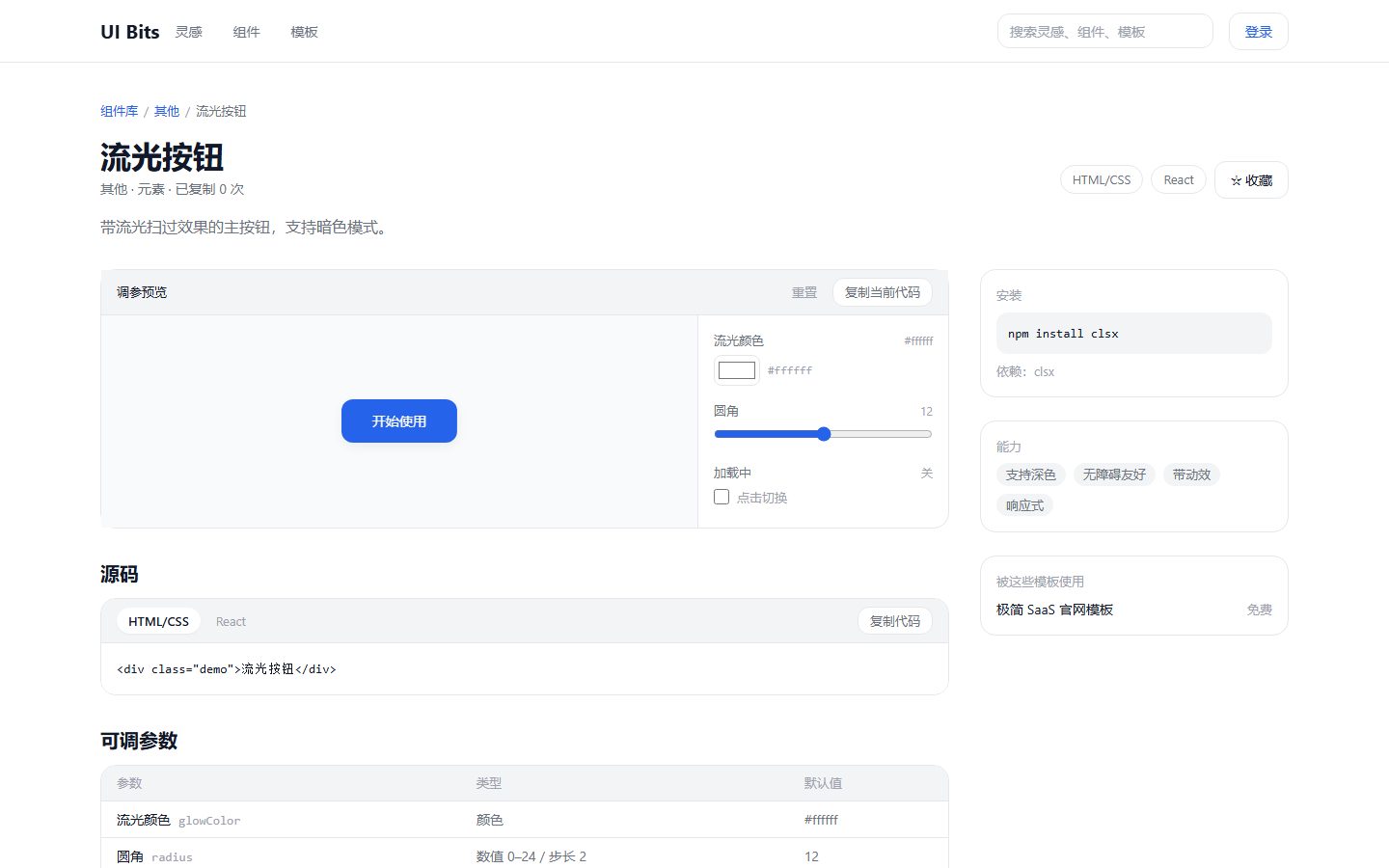
- 流光按钮elements
- 命令面板navigation
页面
- 更新日志/changelog
↑↓ 选择↵ 打开esc 清空
#2563EB
#2563EB开
关
源码
'use client'

import { useId, useMemo, useRef, useState } from 'react'

export type PaletteItem = { id: string; label: string; group: string; hint?: string }

/**
 * 组合一套键盘可用的命令面板,最容易错的三处:
 *   1. 焦点必须留在输入框 —— 用 aria-activedescendant 表达"当前项",
 *      而不是把焦点 true 地移到 li 上(后者会让读屏每移动一次就重读整列)。
 *   2. 过滤后要把选中下标**重置为 0**,否则过滤到 2 条时下标还停在 5,
 *      回车会打开一个已经不在列表里的项。
 *   3. 分组标题不参与循环 —— 先把可见项拍平成一维数组,再用下标访问。
 */
export function CommandPalette({
  items,
  onPick,
  placeholder = '搜索页面、组件、产品…',
}: {
  items: PaletteItem[]
  onPick?: (item: PaletteItem) => void
  placeholder?: string
}) {
  const [query, setQuery] = useState('')
  const [active, setActive] = useState(0)
  const listId = useId()
  const inputRef = useRef<HTMLInputElement>(null)

  const flat = useMemo(() => {
    const q = query.trim().toLowerCase()
    return items.filter(
      (it) => !q || it.label.toLowerCase().includes(q) || it.group.toLowerCase().includes(q),
    )
  }, [items, query])

  const groups = useMemo(() => {
    const map = new Map<string, PaletteItem[]>()
    for (const it of flat) map.set(it.group, [...(map.get(it.group) ?? []), it])
    return [...map.entries()]
  }, [flat])

  function move(step: number) {
    if (flat.length === 0) return
    setActive((i) => (i + step + flat.length) % flat.length)
  }

  function onKeyDown(e: React.KeyboardEvent<HTMLInputElement>) {
    if (e.key === 'ArrowDown') {
      e.preventDefault()
      move(1)
    } else if (e.key === 'ArrowUp') {
      e.preventDefault()
      move(-1)
    } else if (e.key === 'Enter') {
      e.preventDefault()
      const picked = flat[active]
      if (picked) onPick?.(picked)
    } else if (e.key === 'Escape') {
      e.preventDefault()
      setQuery('')
      setActive(0)
    }
  }

  return (
    <div className="w-full max-w-md overflow-hidden rounded-xl border border-gray-200 bg-white shadow-lg">
      <input
        ref={inputRef}
        role="combobox"
        aria-expanded
        aria-controls={listId}
        aria-activedescendant={flat[active] ? `${listId}-${flat[active].id}` : undefined}
        aria-label="搜索"
        value={query}
        placeholder={placeholder}
        onChange={(e) => {
          setQuery(e.target.value)
          setActive(0) // 关键:过滤后必须归零,见上面第 2 条
        }}
        onKeyDown={onKeyDown}
        className="w-full border-0 border-b border-gray-100 px-4 py-3 text-sm outline-none
                   focus:ring-2 focus:ring-blue-500/40"
      />

      <ul id={listId} role="listbox" className="max-h-72 overflow-auto py-1">
        {groups.map(([group, rows]) => (
          <li key={group}>
            {/* 组标题是纯装饰:不加 role="option",否则键盘会停在它上面 */}
            <p className="px-4 pb-1 pt-2 text-[11px] uppercase tracking-wide text-gray-400">
              {group}
            </p>
            <ul>
              {rows.map((it) => {
                const selected = flat[active]?.id === it.id
                return (
                  <li
                    key={it.id}
                    id={`${listId}-${it.id}`}
                    role="option"
                    aria-selected={selected}
                    onMouseEnter={() => setActive(flat.findIndex((x) => x.id === it.id))}
                    onClick={() => onPick?.(it)}
                    className={
                      selected
                        ? 'flex cursor-pointer items-center justify-between bg-blue-50 px-4 py-2 text-sm text-blue-700'
                        : 'flex cursor-pointer items-center justify-between px-4 py-2 text-sm text-gray-700'
                    }
                  >
                    <span>{it.label}</span>
                    {it.hint && <kbd className="text-[11px] text-gray-400">{it.hint}</kbd>}
                  </li>
                )
              })}
            </ul>
          </li>
        ))}
        {flat.length === 0 && <li className="px-4 py-6 text-center text-sm text-gray-400">没有匹配项</li>}
      </ul>
    </div>
  )
}
可调参数
| 参数 | 类型 | 默认值 |
|---|---|---|
强调色accent | 颜色 | #2563EB |
显示快捷键shortcuts | 开关 | 开 |
紧凑行高dense | 开关 | 关 |
上方的调参预览可以直接拖动,改完点「复制当前代码」拿走带你自己参数的版本。
相似组件
按标签重合度推荐,不是运营手配的榜单。